> ## Documentation Index
> Fetch the complete documentation index at: https://docs.insecureweb.com/llms.txt
> Use this file to discover all available pages before exploring further.
# Integration guide for IBM AS/400
> The IBM AS/400 is a family of midrange computers from IBM announced in June 1988 and released in August 1988. It was the successor to the System/36 and System/38 platforms, and ran the OS/400 operating system.
## Installing IBM AS400 Collector
The UTMStack AS400 Collector communicate over ports **9000 and 50051**. Please make sure these ports are open.
> To install UTMStack AS400 Collector, follow the instructions below based on your operative system.
### 1. Install UTMStack AS400 Collector.
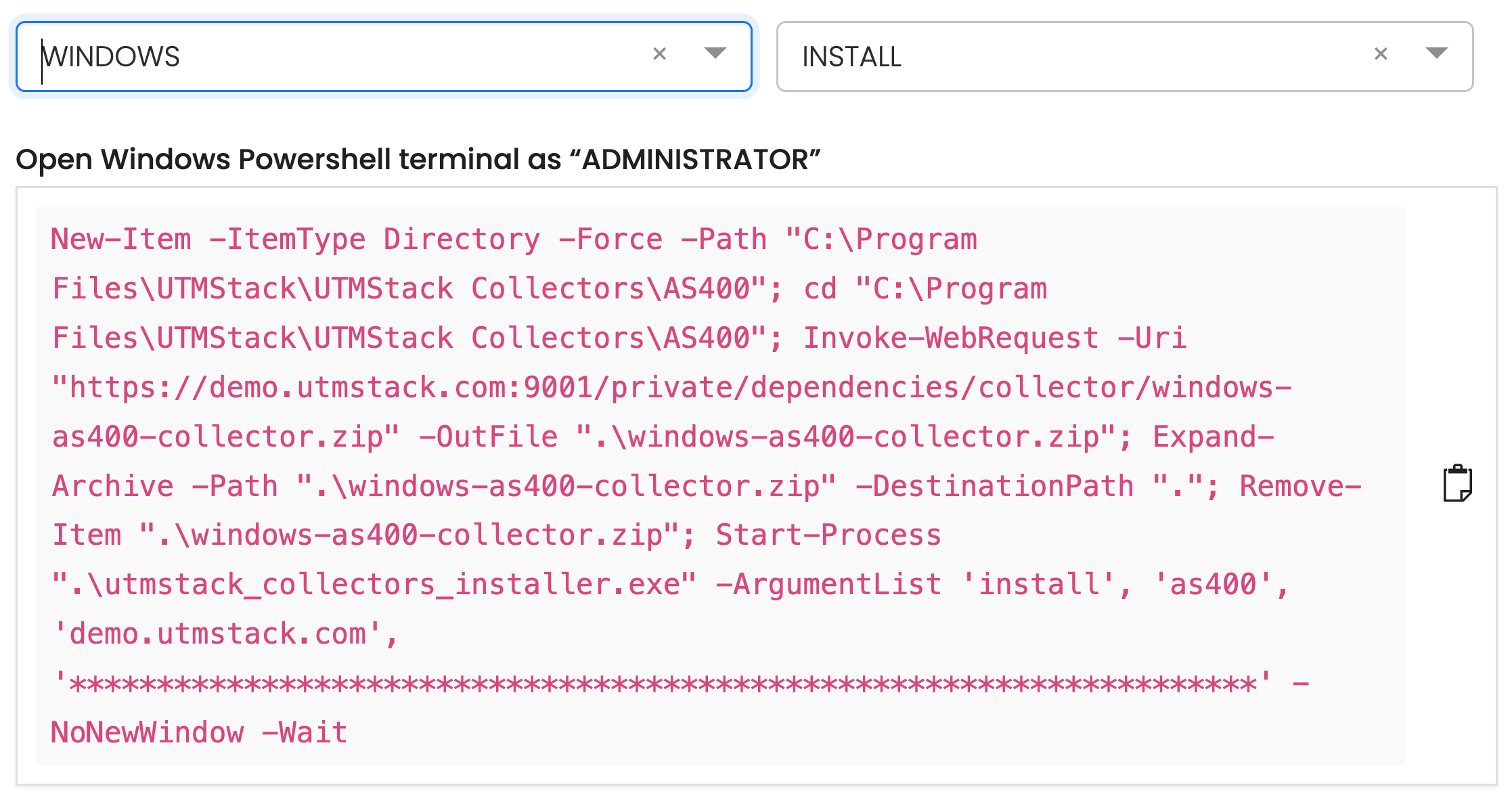
To install UTMStack AS400 Collector, follow the instructions below based on your operative system.
Agent installation commands for operating systems **must be copied directly from your UTMStack instance**, under the **Integrations** section.\
This ensures that all tokens, identifiers, and configuration parameters are accurate and specific to your environment.
#### Example:
 ### 2. Add your collector configurations
Click on the "Add collector" button
### 2. Add your collector configurations
Click on the "Add collector" button
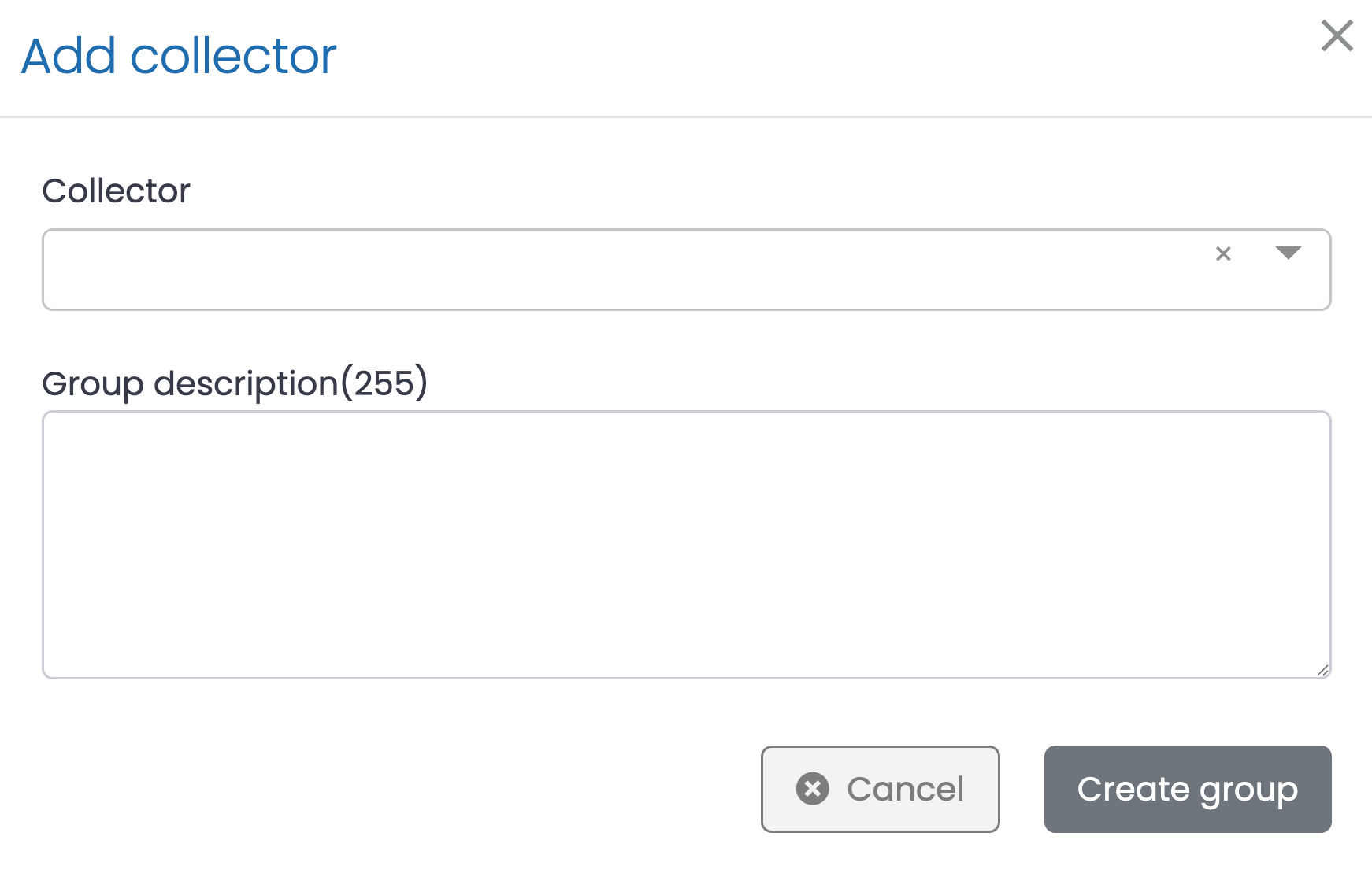 1. Select a Collector from the dropdown list at the top.
2. Optionally, enter a Group Description (up to 255 characters) to identify or describe the purpose of the collector group.
3. Click Create group to save the configuration or Cancel to discard changes.
### 3. Click on the button shown below, to activate the UTMStack features related to this integration
1. Select a Collector from the dropdown list at the top.
2. Optionally, enter a Group Description (up to 255 characters) to identify or describe the purpose of the collector group.
3. Click Create group to save the configuration or Cancel to discard changes.
### 3. Click on the button shown below, to activate the UTMStack features related to this integration