> ## Documentation Index
> Fetch the complete documentation index at: https://docs.insecureweb.com/llms.txt
> Use this file to discover all available pages before exploring further.
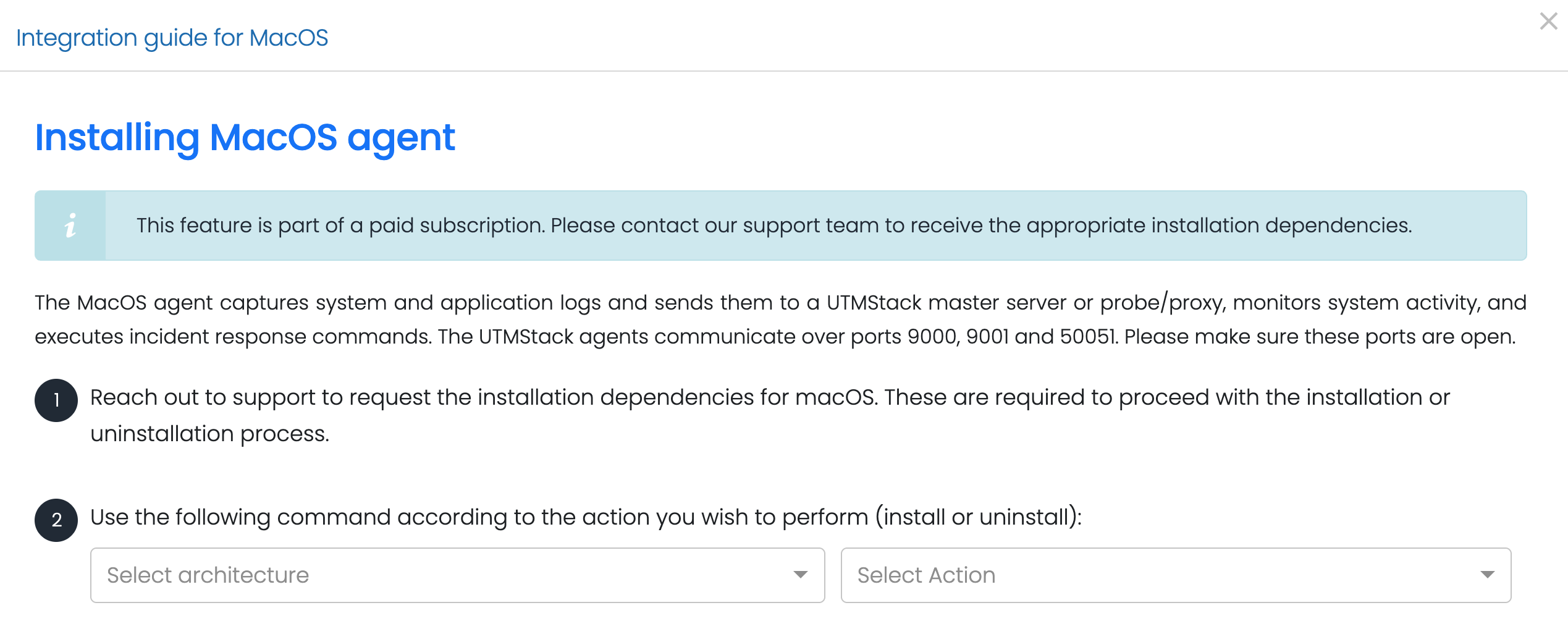
# Integration guide for MacOS
> The macOS agent collects system and application logs, monitors activity, and communicates securely with the UTMStack master server or proxy. It also enables incident response actions.
This feature is part of a **paid subscription**. Please contact our support team to obtain the required installation dependencies.
## Installation Steps
### 1. Configure your device to send logs to a UTMStack agent on ports:
* 9000
* 9001
* 50051
### 2. Contact Support.
Reach out to UTMStack support to request the **macOS installation dependencies**. These files are necessary to perform installation or uninstallation of the agent.
### 3. Run the Corresponding Command
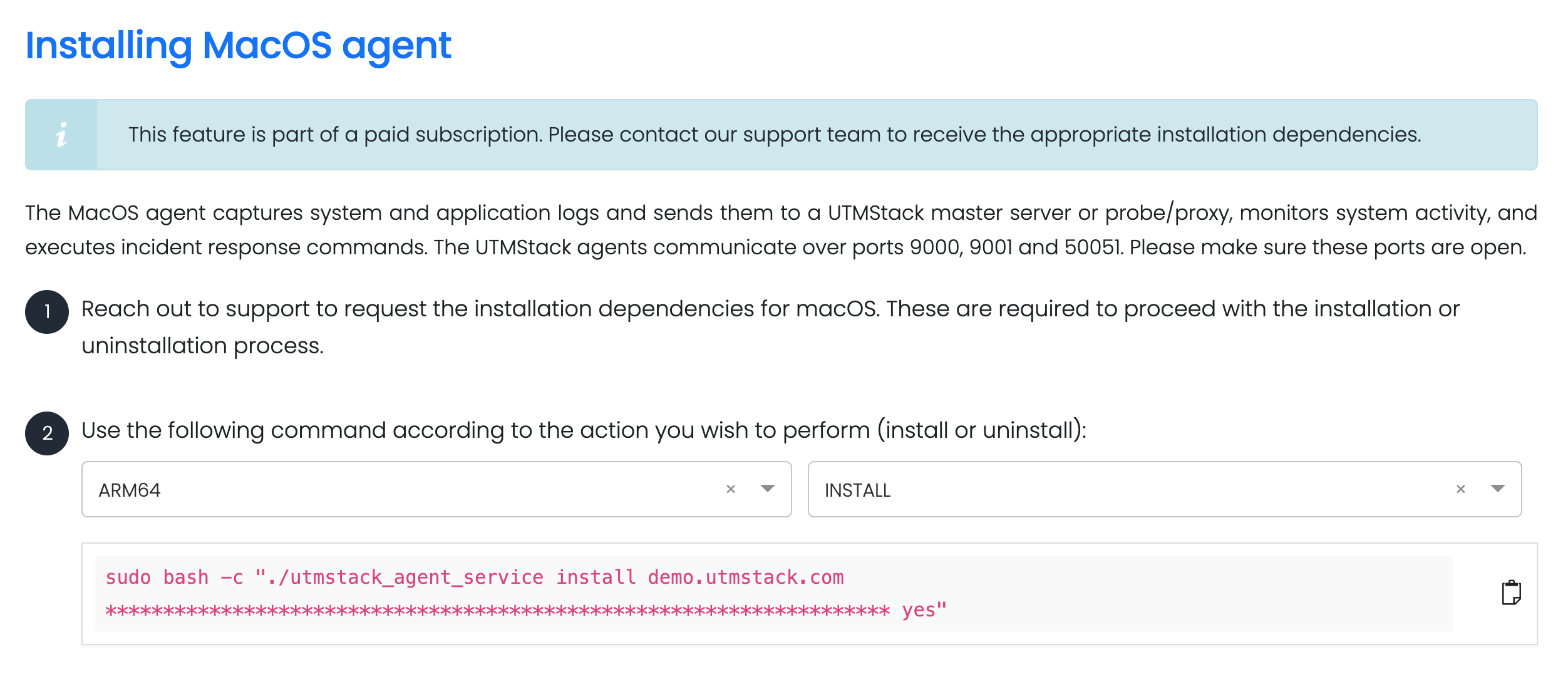
Depending on whether you want to **install** or **uninstall** the agent, use the appropriate command provided in your UTMStack instance:
These commands must be copied **directly from your UTMStack instance**, under the **Integrations** section, to ensure the correct configuration.
```bash theme={null}
# Example (replace with actual command from instance)
sudo ./utmstack-macos-installer install
# or
sudo ./utmstack-macos-installer uninstall
```
#### Example: