> ## Documentation Index
> Fetch the complete documentation index at: https://docs.insecureweb.com/llms.txt
> Use this file to discover all available pages before exploring further.
# Integration guide for Linux Agent
> By installing and configuring this agent on the Linux systems family you can send the logs generated by this operating system to UTMStack
## Installing Linux agent
The Linux agent captures system and application logs and sends them to a UTMStack master server or probe/proxy, monitors system activity, and executes incident response commands. The UTMStack agents communicate over ports 9000 and 50051. Please make sure these ports are open.
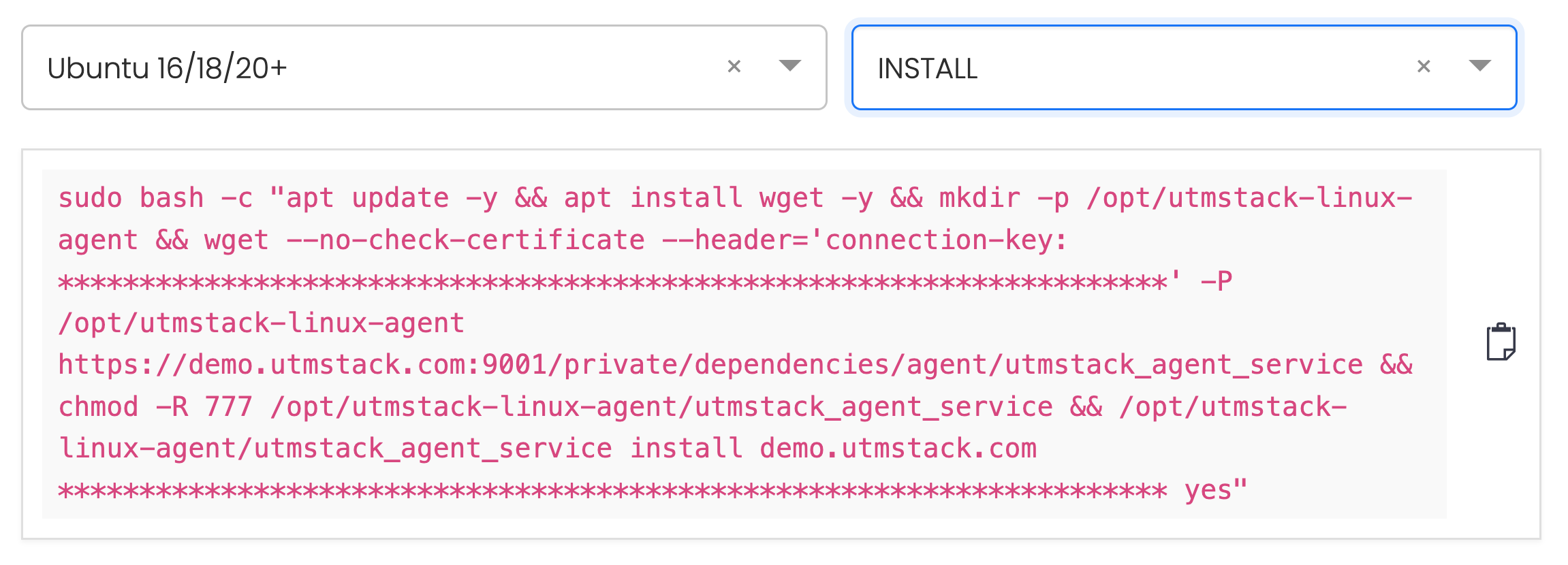
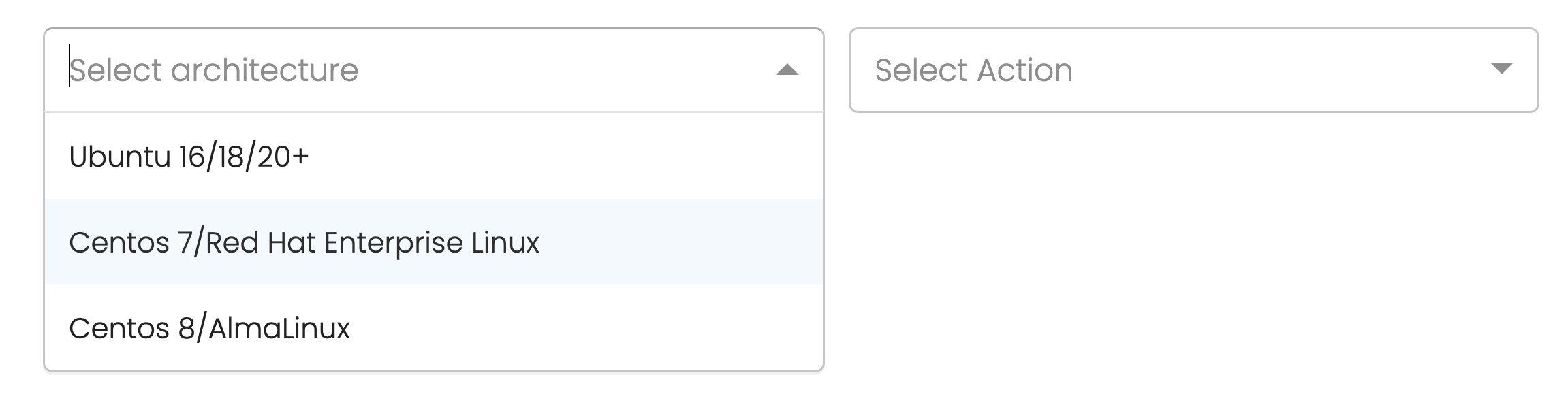
### 1. Install or uninstall the UTMStack agent according to your operating system:
 The following commands contains sensitive information, don't share it.
Agent installation commands for operating systems **must be copied directly from your UTMStack instance**, under the **Integrations** section.\
This ensures that all tokens, identifiers, and configuration parameters are accurate and specific to your environment.
### 2. Run the command in the console
#### Example:
The following commands contains sensitive information, don't share it.
Agent installation commands for operating systems **must be copied directly from your UTMStack instance**, under the **Integrations** section.\
This ensures that all tokens, identifiers, and configuration parameters are accurate and specific to your environment.
### 2. Run the command in the console
#### Example: