> ## Documentation Index
> Fetch the complete documentation index at: https://docs.insecureweb.com/llms.txt
> Use this file to discover all available pages before exploring further.
# Integration guide for Sophos Central
> Sophos Central is a single cloud management solution for all your Sophos next-gen technologies: endpoint, server, mobile, firewall, ZTNA, email, and so much more
> Sophos Central provides secure APIs to retrieve event and alert data. UTMStack can utilize these APIs to centralize monitoring and enhance your security visibility
## Generate API Credentials in Sophos Central
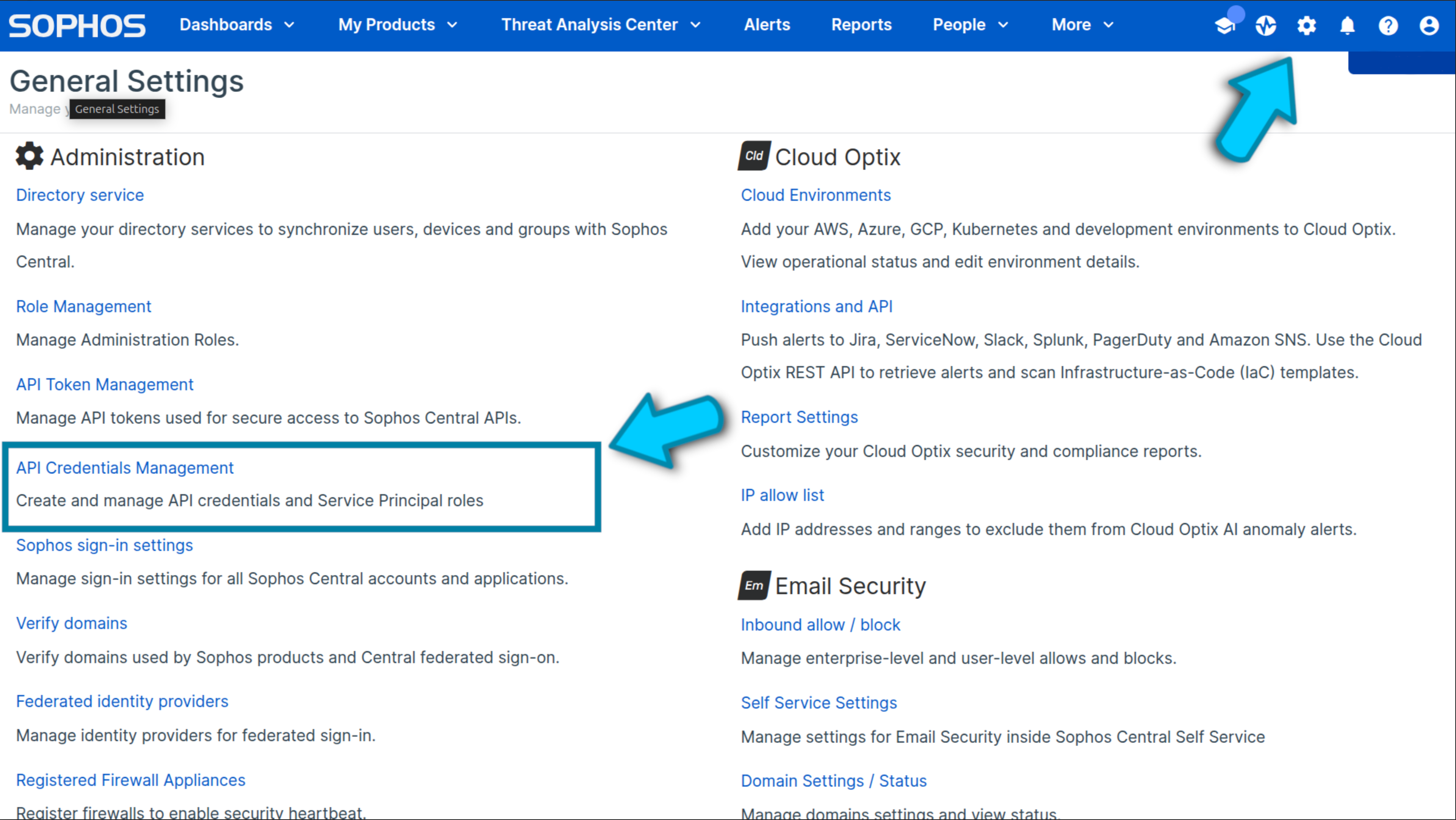
### 1. Navigate to General Settings -> API Credentials Management in Sophos Central Admin.
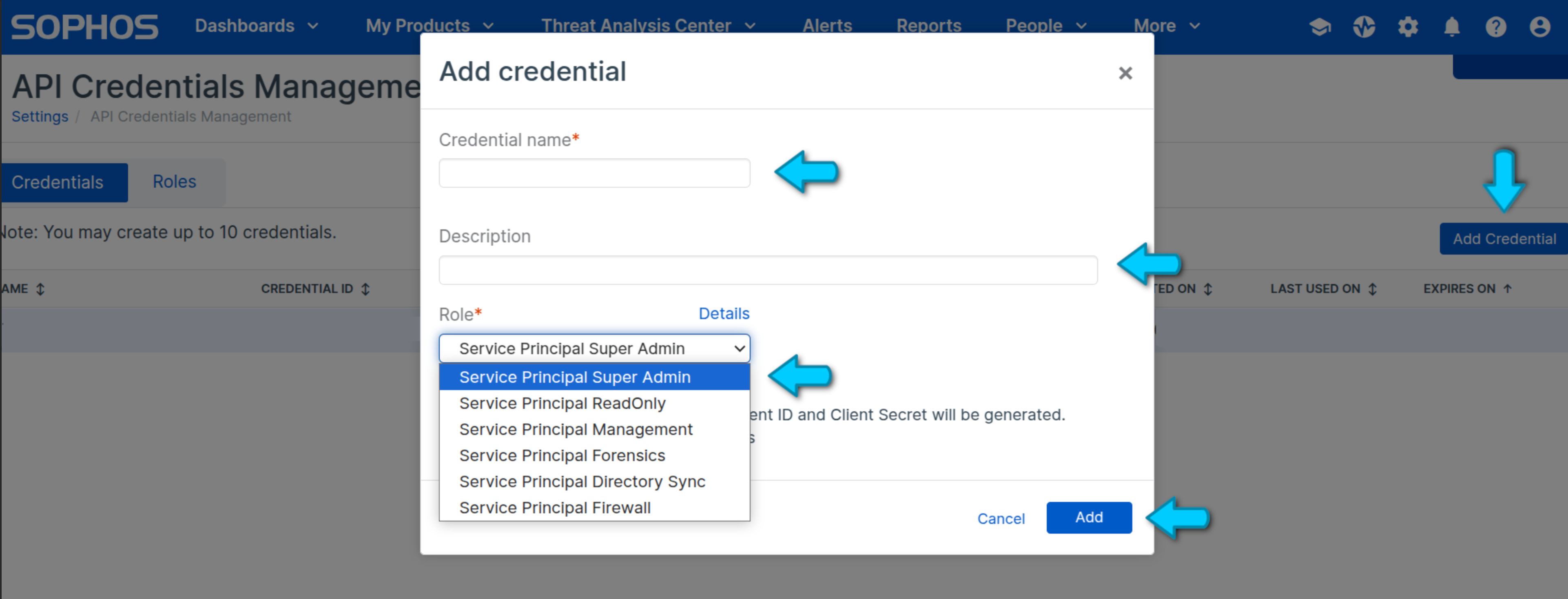
 ### 2. Create a New Credential
* Click Add Credential (usually found at the top-right).
* Provide Name and Description.
* Select the appropriate Role.
* Click Add.
### 2. Create a New Credential
* Click Add Credential (usually found at the top-right).
* Provide Name and Description.
* Select the appropriate Role.
* Click Add.
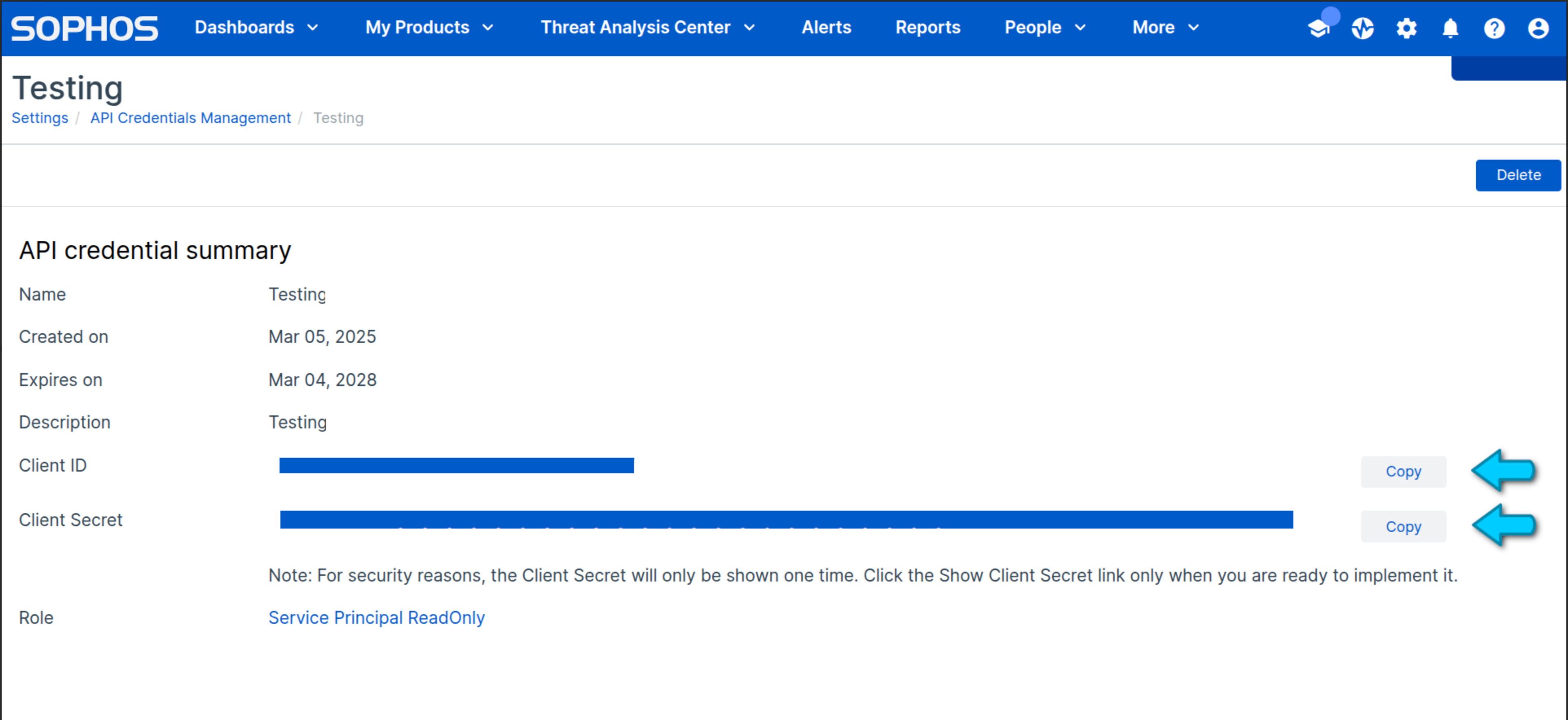
 ### 3. Copy the Client ID and Client Secret and store them securely
The Client Secret is visible only once; ensure you save it somewhere safe.
### 3. Copy the Client ID and Client Secret and store them securely
The Client Secret is visible only once; ensure you save it somewhere safe.
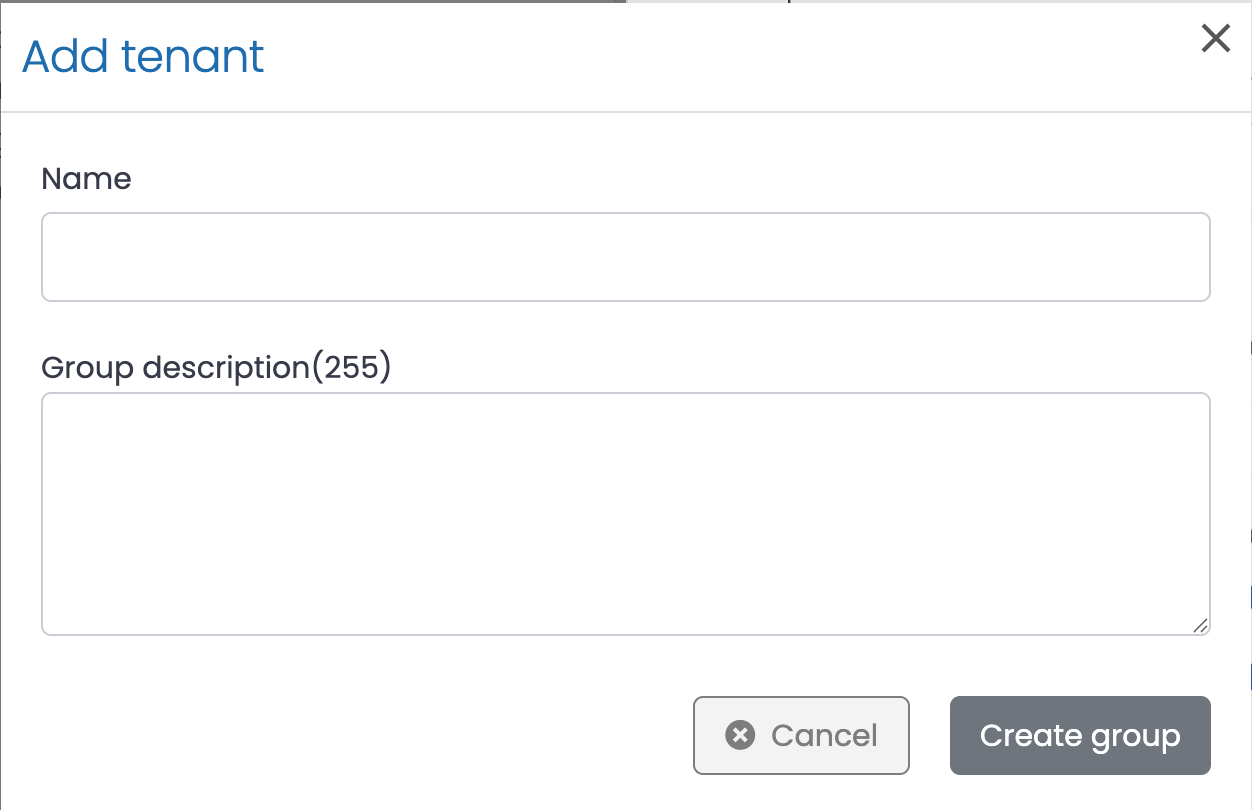
 ### 4. Insert information in the following inputs.You can add more than one Sophos configuration by clicking on Add tenant button
* Click *Add tenant*
### 4. Insert information in the following inputs.You can add more than one Sophos configuration by clicking on Add tenant button
* Click *Add tenant*
 ### 5. Click on the button shown below, to activate the UTMStack features related to this integration