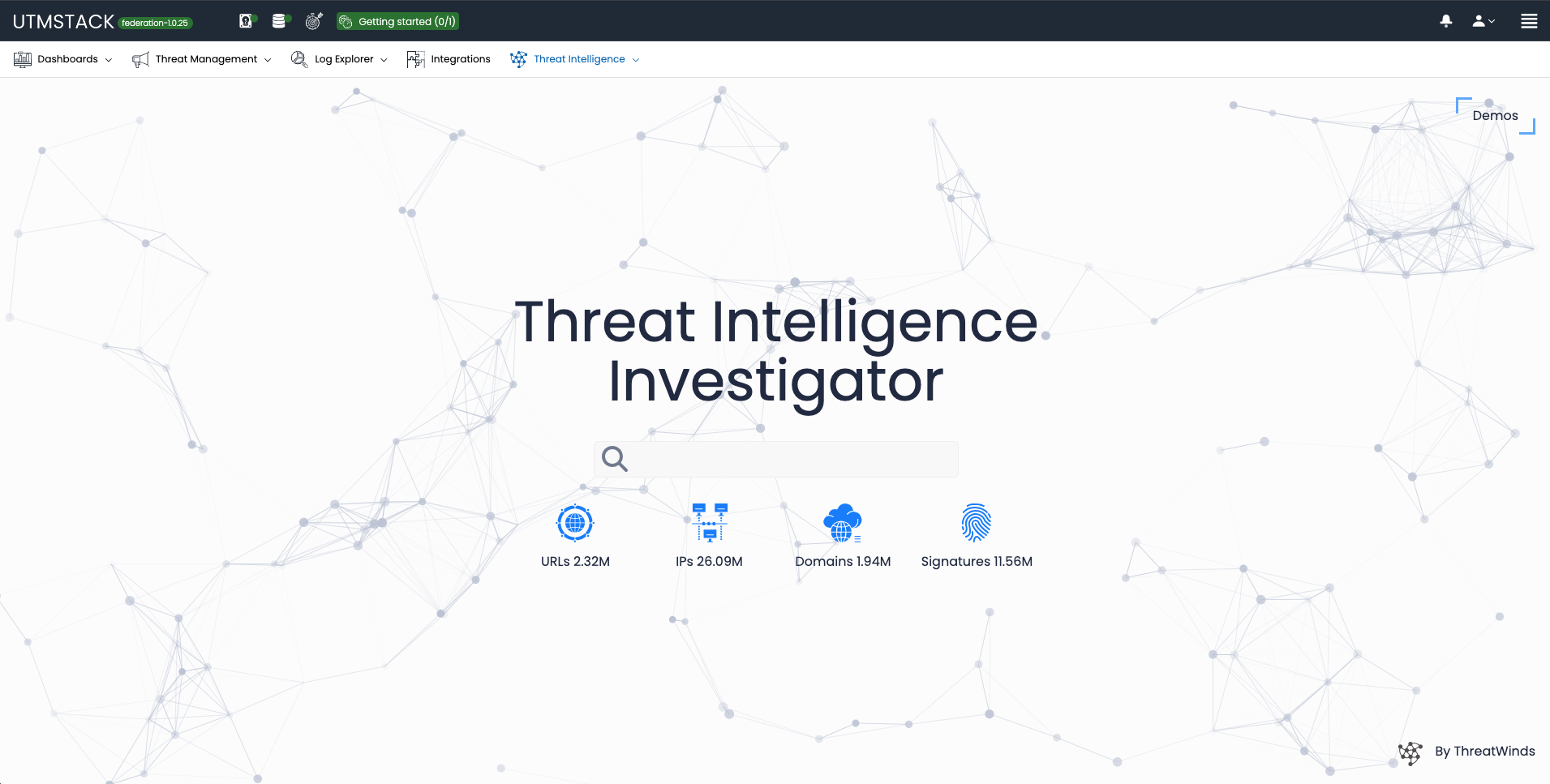
Step 1: Log in to your UTMStack Federation Service instance
Once the installation is complete, you can access your UTMStack Federation Service instance using the credentials provided during the installation process.
Step 2: Go to the Integrations menu and click on + Enable Integration

Step 3: Enable a UTMStack Integration - Add Tenant


Step 4: Check the Module Configuration

Once you have entered the Domain or IP and the Connection Key, click on the Check icon to verify the module configuration.If the connection is successful, a confirmation window will appear showing the UTMStack logo and a green check mark. Click Continue to proceed.This step ensures that your Federation Service can successfully communicate with the connected UTMStack instance.
Dashboard Preview – Threat Activity

Threat Intelligence Investigator